


MayaListening
Maya joins your TabTasker call to help you think an idea through, present it and plan what happens next.

Maya is an AI teammate you invite into a TabTasker call. She listens, speaks and works with your workspace while you talk, one-to-one or with your whole team.
Start with a brief or work it out aloud. Maya can create slides, present them in the call and bring in the workspace context behind the story.
Everyone views shared material with their own access. Files can take a moment to open.
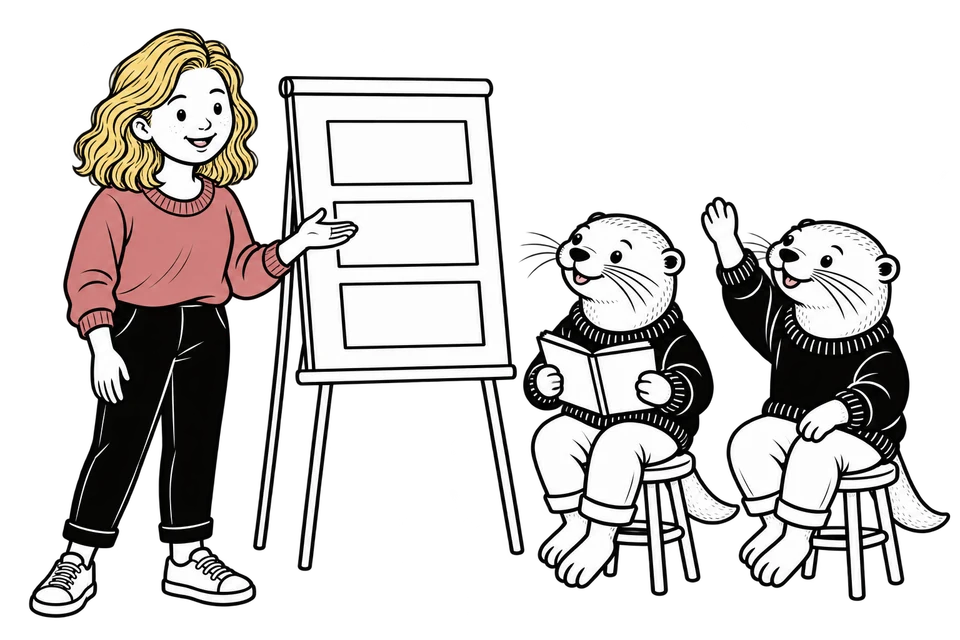
Explore another angle, rehearse a pitch or challenge an assumption. Talk it through with Maya and your team until you have a direction worth trying.
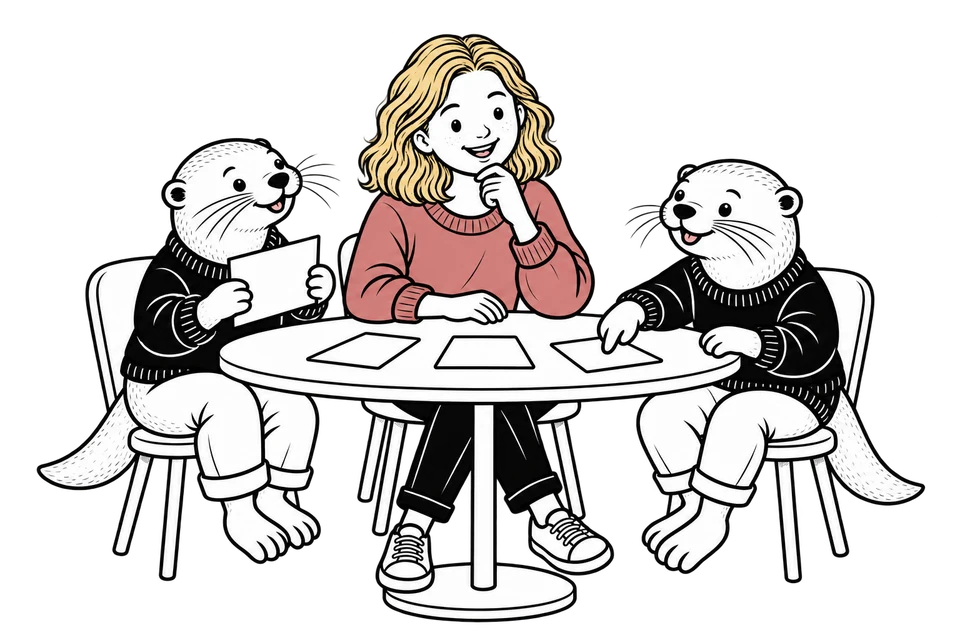
Let Maya guide a standup, welcome new teammates or warm up a workshop. Everyone in the call can join the conversation and ask for help.

Stay in the conversation. When you’re ready, ask Maya to capture the decisions, give the next step an owner or share an update with your team.
Workspace owners choose her tools. With the right tools enabled, Maya can also work with whiteboards, spreadsheets and CRM records.
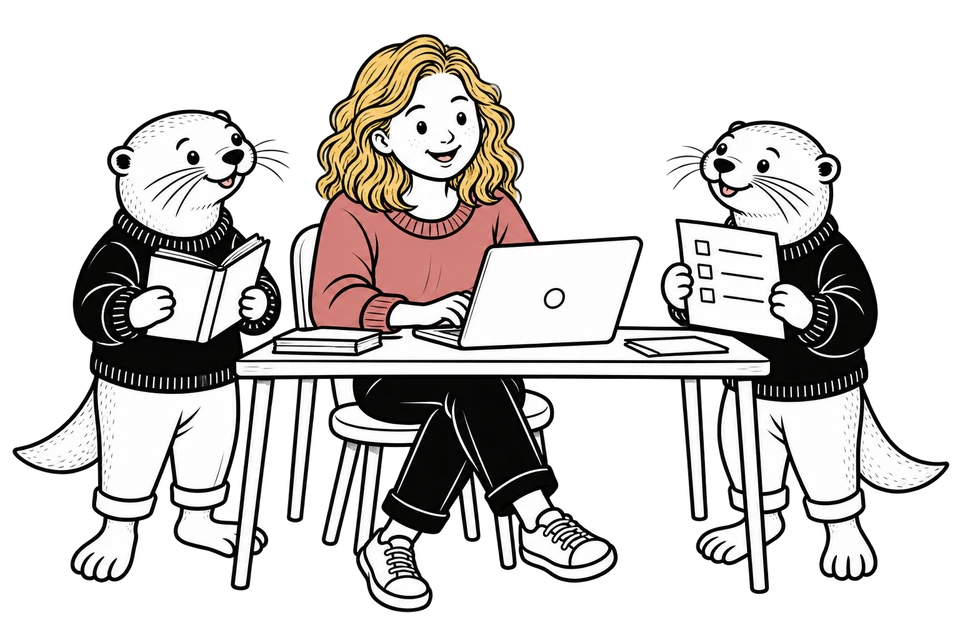
You choose when Maya joins, what she can read and how she helps.
Maya joins when invited. She processes call audio to take part in the conversation. She looks at a shared screen or someone’s camera only when someone asks her to, one snapshot each time, never a stream. Anyone can ask her to leave, and the meeting continues.
Auto mode is off by default. Review proposed changes before they run, or turn on Auto mode to let requested actions run without asking for approval. Actions use the inviter’s permissions, and workspace owners choose which tools Maya can use.
Select her reading scope when you invite her.
Everyone in the call can hear Maya’s responses. Choose an access level appropriate for the people present.
Reading access does not automatically share new content with everyone. In a group call, Maya asks who should have access when you haven’t specified. Content added to an existing project or page follows that location’s access.
Transcription and sending the transcript to chat are optional. Maya can participate without posting a transcript. Ask her when you want a recap saved as a page or sent as a message.
Start a TabTasker call, choose Invite Maya and select her reading access. Work with her alone or with your team.
“Help us think this through.” “Present our launch plan.” “Listen for now.” Anyone in the call can start.
Ask for a change or save the result. Review actions with Auto mode off, and ask her to leave when you’re done.
She uses credits for her time in the call. Manage the balance and agent settings in the workspace.